
What Are AI Agents? How to Automate Your First Workflow Without Losing Control
Learn what AI agents do, how they differ from chatbots, and how to test your first AI workflow with clear limits, human approval, and measurable results.
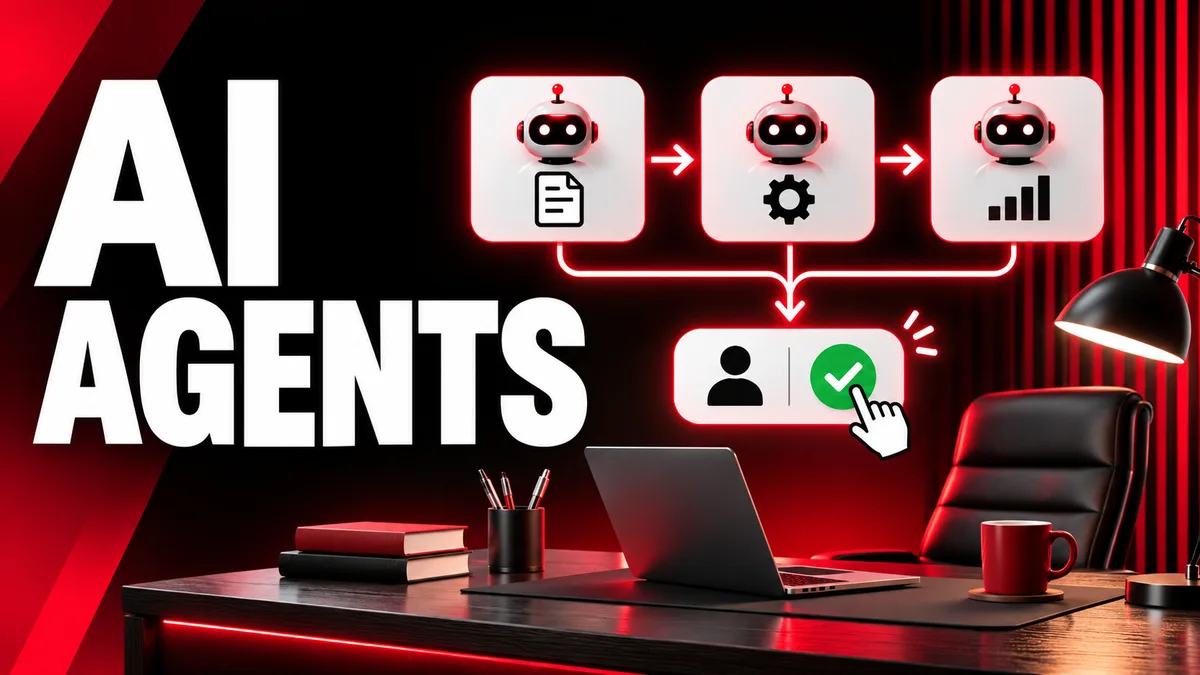
An AI agent is software that uses a model to work toward a goal by deciding which actions to take and, when permitted, using tools. Give a chatbot a customer question and it can draft an answer. Give a suitably configured agent the same question and it might consult your help articles, notice that a detail is missing, ask for that detail in a draft, and prepare the result for your approval. The extra capability comes from being able to act on intermediate results. It also creates extra work for the person who decides what the system may do.
AI agents are part of a wider shift toward software that can work through multiple steps. Gartner put multiagent systems on its list of strategic technology trends for 2026. That industry signal helps explain the attention around the term. For a small business or freelancer, the immediate question is simpler. Can this save real time on a task that happens every week? Start by answering that question with one small workflow. Gartner’s technology trends announcement
AI agents, chatbots, and regular automations
The products you see may use these terms loosely. A more useful way to tell them apart is to ask who chooses what happens next.
A chatbot typically responds to a message. It can follow instructions and help you work through a problem, while you drive the conversation. A regular automation follows steps you set in advance. The automation might send an internal notification every time an intake form receives a new submission. That rule has the same trigger and action each time. It can work perfectly well without an AI model.
An AI workflow can use a model inside a fixed sequence. For example, it can accept a request, have a model summarize it, then place that summary in a review queue. The model writes the summary and the application runs the sequence. An agent has more discretion. It decides whether it needs another source, which permitted tool can supply it, and whether it has enough information to stop. Anthropic describes workflows and agents using this distinction between predefined paths and model-directed tool use. Anthropic’s guide to building effective agents
Consider a website designer who receives three inquiries. One lead sends a clear request for a five-page site. Another sends a short message about fixing a checkout. The third pastes an old conversation and asks for an update. A form rule can route each inquiry by its selected category. A model in a workflow can summarize the message and list unanswered questions. An agent could decide to consult a service checklist for the website inquiry and use a separate support guide for the checkout request. Each design has a different cost and a different way to fail.
Five parts you can see in a useful agent
A goal gives the system a definition of done. “Handle support” leaves the goal open to interpretation. “Prepare a reply draft using the three approved help pages and identify missing details” gives you an output you can inspect.
Inputs provide the information for the job. The original message, a short services document, and a list of business rules can be enough. Existing information tends to contain contradictions. Date your sources or specify which reference wins if two documents disagree.
Tools give the agent a way to do something. A tool might search a help center, read a selected file, or add a draft to a queue. Tool access determines the practical reach of the system. The same model can act very differently with a read-only lookup tool and with permission to edit a live account.
Limits set the boundaries the application enforces. Define which folders or records the agent can read, how many lookups it can make, and what it may write. Set a time or step limit and return a summary when the limit is reached. An agent that keeps searching for the perfect answer can turn a one-minute task into a five-minute delay.
A result and review path make the work accountable. The result should show the draft, the sources used, and any uncertain fields. A reviewer should be able to accept the draft, edit it, or mark it as needing more information. A clear review path also gives you examples to improve the workflow later.
Where an agent earns its place
Look for repeated work in which the ideal next step changes with the input. Requests that come in different formats are a good starting point. Useful examples include sending a human reviewer a structured brief from a long client email, preparing an internal summary using two reference documents, and identifying which fields are missing before a supplier quote can be compared.
A fixed form is often cheaper for a standardized task. If every order has the same fields and the same checks, a few rules can do the job consistently. If you need to discover what people mean in free-form messages, a model can help. An agent becomes worth testing when choosing which action or source to use is itself part of the work.
Start with a task you already know how to perform. If nobody in the business can define a good outcome, the pilot will produce plausible output without giving anyone a way to judge it. Pick something where a colleague could look at the result and say within a minute whether it is ready.
Build a first workflow for client inquiries
Imagine you manage freelance web projects. You receive a mix of website builds, maintenance inquiries, and general requests. Your first automation will produce an internal brief and an optional reply draft for a person to review.
1. Collect approved references. Write one page about the services you offer, another about the information needed to quote, and a short note about your handoff policy. Clarify which fields are required for each service. For a new site, that might be the business type, page count, launch deadline, and available content. For a repair, it might be the platform and a description of what stopped working. Keep your first references short enough to read yourself.
2. Define a small output. Ask for the service category, a one-paragraph summary, the promised outcomes the client is asking for, the unanswered questions, and a reply draft. Include the source title for any policy statement. An empty deadline field is valuable when the client never mentioned one. Use “unknown” to make the gap visible to a reviewer.
3. Set the permitted actions. Start with read access to the submitted message and your reference directory. Allow the system to write a draft in a designated review queue. Keep sending messages, agreeing prices, changing project status, and editing client records under a human’s control. If your platform has tool permissions or approval settings, configure those in addition to writing instructions about them.
4. Create a realistic sample set. Start with about 20 cases if you have them. Remove personal details or use synthetic examples where appropriate. Include an easy request, an unclear request, a request for a service you no longer offer, a returning client, conflicting dates, and an attachment you cannot open. Include a case with two distinct projects so you can see whether the system tries to force them into one brief.
5. Run the smallest version first. You can start by asking a model for a summary and draft using only the approved references. Read each result. If the weak point is wording, improve the draft instructions. If the weak point is selecting a relevant policy from several documents, add a controlled lookup. This order lets you see which extra capability actually helps.
6. Introduce the review queue. Give each result one useful label, such as ready, needs information, or needs specialist review. Record the version of the reference used. Save enough context to reproduce a disagreement without storing more client information than you need.
7. Test it on live work as a draft assistant. Compare its output to what your team would have written. Keep the original workflow available during the pilot. Avoid adding another action just because the first batch looks good. Try another set with the difficult cases your first sample missed.
A concrete intake example
Suppose a client writes, “Our website takes forever on phones. We also want a new service page and need something by Friday.” A helpful output recognizes two possible work items. One is investigating reported mobile performance. The other is creating a service page. Friday is missing a date unless the conversation supplies it, and “something” could mean a quote, a plan, or a completed release.
A poor draft promises the fixes by Friday and lists a price from a previous project. A strong draft acknowledges both requests, asks which outcome has the deadline, and asks for the affected public page and any existing service copy. It can suggest that a person confirm what measurements are appropriate before offering a performance target.
A structured result might record “service category: site maintenance and content,” “known deadline: Friday, date and deliverable to confirm,” and “information needed: affected URL and service copy.” If the agent has two possible checklists, it should record which one it used for each question. The reviewer can then decide whether to keep the work together or quote each part separately.
The workflow stays helpful even when the model misunderstands the request. A checked draft can be corrected before any promise goes out. That design choice keeps a common error inexpensive.
How to judge the pilot
Take baseline timing before you add AI. Measure the time from opening a request to having a usable draft ready. Include whatever reading, lookup, and editing the normal workflow requires. Run your sample cases using the new process and measure again. Include the time spent reviewing agent output and handling failed runs.
Use five measures that match the goal. Review time shows the actual labor cost. Source accuracy shows whether the reply relies on an approved reference. Missing-field detection shows whether the draft catches gaps. Escalation accuracy shows whether unusual cases reach the right person. Cost per usable draft shows the model and service cost after failed attempts are counted.
For a simple illustration, suppose manual handling takes eight minutes per request. With AI, an operator spends four minutes reviewing the draft and one minute on average handling exceptions. The gain is three minutes. At 40 requests a month, that is about two hours before setup and maintenance. If someone spends an hour every month correcting stale policy pages, net labor savings fall to about one hour. The arithmetic can matter more than the model benchmark.
Decide ahead of time what would make you pause the pilot. Two fabricated prices could be enough even if the overall writing quality looks high. Document the errors you find and group them by cause. A missing reference, a confusing instruction, and lack of permission fit different remedies.
Put human approval where a mistake would matter
Approval works best when you define what is being approved. A preview of the exact outgoing text helps a reviewer catch promises, unsupported claims, and wrong recipients. If attachments or destination addresses will be included, surface those at the same time. Showing a confident summary of an action gives a person less context than showing the actual proposed action.
Treat links and instructions that appear inside client messages and source documents as material to interpret. An incoming message might ask the assistant to change an account or reveal a private record. It deserves the same checks your staff applies to an ordinary request. Keep access enforcement outside whichever model is reading the message. A draft tool, a source reader, and an account editor can have different permissions.
Set clear handoff conditions. Contradictory policy, missing authorization, inaccessible files, or any request involving a commitment can go straight to a person. A handoff should contain the reason plus enough context to resume. “Needs review because project dates conflict” is more useful than a blank field or a generic error.
When you add a capability, test case by case. Giving the system a way to read a newer policy can fix a specific recurring problem. Granting broad access for convenience creates an entirely separate review task.
How to troubleshoot common failures
The agent waits or loops. Set a practical action budget and require a partial result when it runs out. Review whether one of the tools responds slowly or returns too much material. Narrow your source collection before increasing the number of attempts.
The draft sounds polished and gets facts wrong. Ask for the sentence or source behind important policy claims, then manually check a sample. A source link still needs to support the precise claim. Include a distinct field where the system can say it found conflicting or incomplete evidence.
It keeps classifying everything under one service. Rewrite the category descriptions with an example and a boundary case. Give the system a valid “other” value. Test with mixed requests, especially examples involving your most common category and a less common category with similar wording.
Review takes longer than writing. Compare an output with four fields to an output with ten. Put missing information near the top. Check how often the team deletes the reply and writes a new one. A shorter workflow that handles fewer cases may deliver more usable work.
A policy changed and old drafts still refer to it. Keep versions visible and remove outdated references from the active collection. Rerun a few of the most sensitive cases after changes. If your workflow produces cached outputs, check which entries need to be refreshed.
You have no one to maintain it. Assign an owner for references, review rules, and workflow changes. Make the owner’s duties small and explicit. A monthly ten-minute check against approved policy may prevent more errors than a complicated reporting dashboard.
AI agent FAQs
Do I need to code to build an AI agent?
Some automation products offer visual tools to connect inputs, model steps, and draft destinations. Code can help when you need custom permissions, review screens, or integrations. In either case, you should be able to inspect what the system can read and write. Before connecting a service, explain the exact job in a short paragraph. If you cannot, begin with the simpler model-assisted workflow.
Can one agent handle all of my business tasks?
An agent can be connected to multiple tools, but widening its remit changes the number of possible failures. Start with a job that has shared inputs and a single review process. A client brief generator and an invoice approval system have different rules. For the latter, a person should independently check amounts and recipients.
How much does an agent cost to run?
Cost depends on model pricing, the amount of information sent, external tool fees, and how often the agent retries. Count review time and setup work too. The easiest way to estimate it is to run a small controlled sample and divide the total running cost by the number of usable results. Measure again after you add a tool or expand the source documents.
Can it learn from every correction I make?
Some products have memory, and other systems let you store examples or change the instructions. A corrected result usually changes that specific draft. Build a deliberate feedback process by recording errors, updating approved references, and retesting. Use corrections you can explain and verify. A shared exception in your policy deserves a written rule the team can review.
Try the smallest version this week
Pick one narrow task and write a one-line definition of done. Collect a few realistic examples and one approved source. Generate a draft and review it by hand. Repeat until you know which part of the work takes the most effort. Add tool access only where a small trial shows that it helps.
If the process begins with a long message, try removing unnecessary copy before you estimate review effort. FixHubLab’s Text Tools collection provides utilities for everyday formatting tasks. For client work that reaches the billing stage, the Invoice Generator is a separate manual tool you can use after a human has confirmed the scope and amounts.