
What Are AI Agents? How to Automate Your First Workflow Without Losing Control
Learn what AI agents do, how they differ from chatbots, and how to test your first AI workflow with clear limits, human approval, and measurable results.
Read article ↗
Guides and updates from Fix Hub Lab.
Learn what AI agents do, how they differ from chatbots, and how to test your first AI workflow with clear limits, human approval, and measurable results.
Read article ↗
Learn how passkeys work, where they are saved, and how to set up and test your first passkey while protecting access to your accounts.
Read article ↗
Learn how to pick a local AI model, check your computer, run an offline test, and decide when on-device AI is practical.
Read article ↗
Learn what Wi-Fi 7 improves, how to find your real network bottleneck, and when a new router, mesh system, or Ethernet cable makes sense.
Read article ↗
Learn what makes pages eligible for Google AI Overviews and AI Mode, how to improve an existing page, and what to measure in Search Console.
Read article ↗
Test the live site before you share it. This practical checklist covers mobile layout, forms, accessibility, SEO, performance, privacy and deployment.
Read article ↗
AI is taking some routine freelance tasks and changing what clients buy. Here’s what the evidence says and how Fiverr and Upwork freelancers can adapt.
Read article ↗
Build an invoice with clear line items, check the calculations and download a PDF your customer can open and use.
Read article ↗
Turn printed words in a screenshot or photo into editable text, then check the output before copying it.
Read article ↗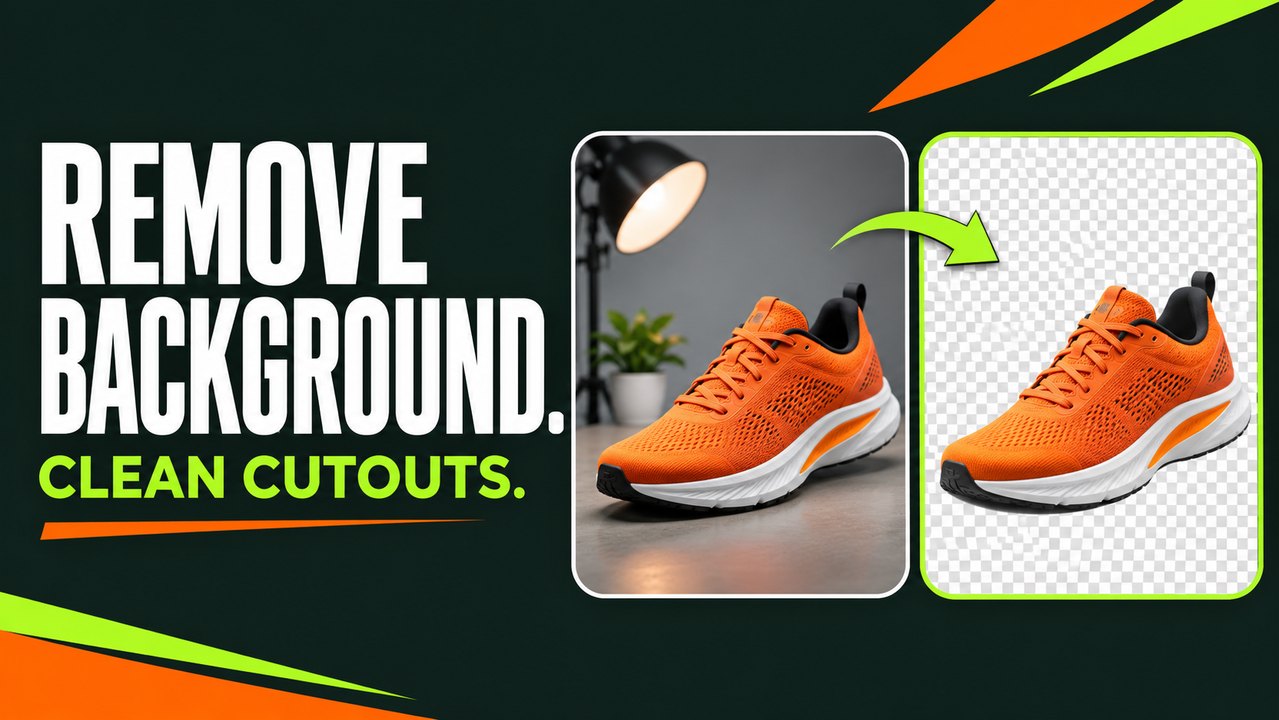
Choose the right removal mode, clean up the edges and check that your PNG actually stays transparent.
Read article ↗
Combine JPG, PNG or WebP files into a single PDF, choose the page size and review the result without losing important edges.
Read article ↗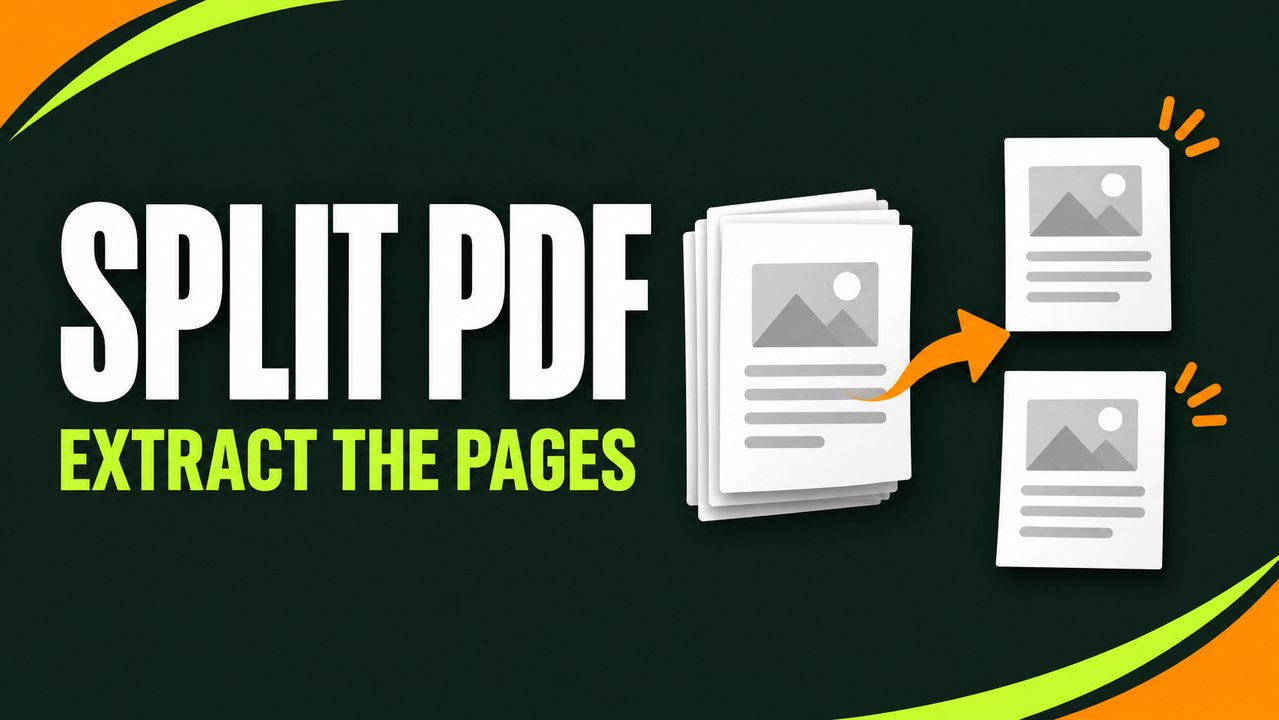
Pull individual pages or ranges from a PDF, keep the original intact, and check the new file before sharing it.
Read article ↗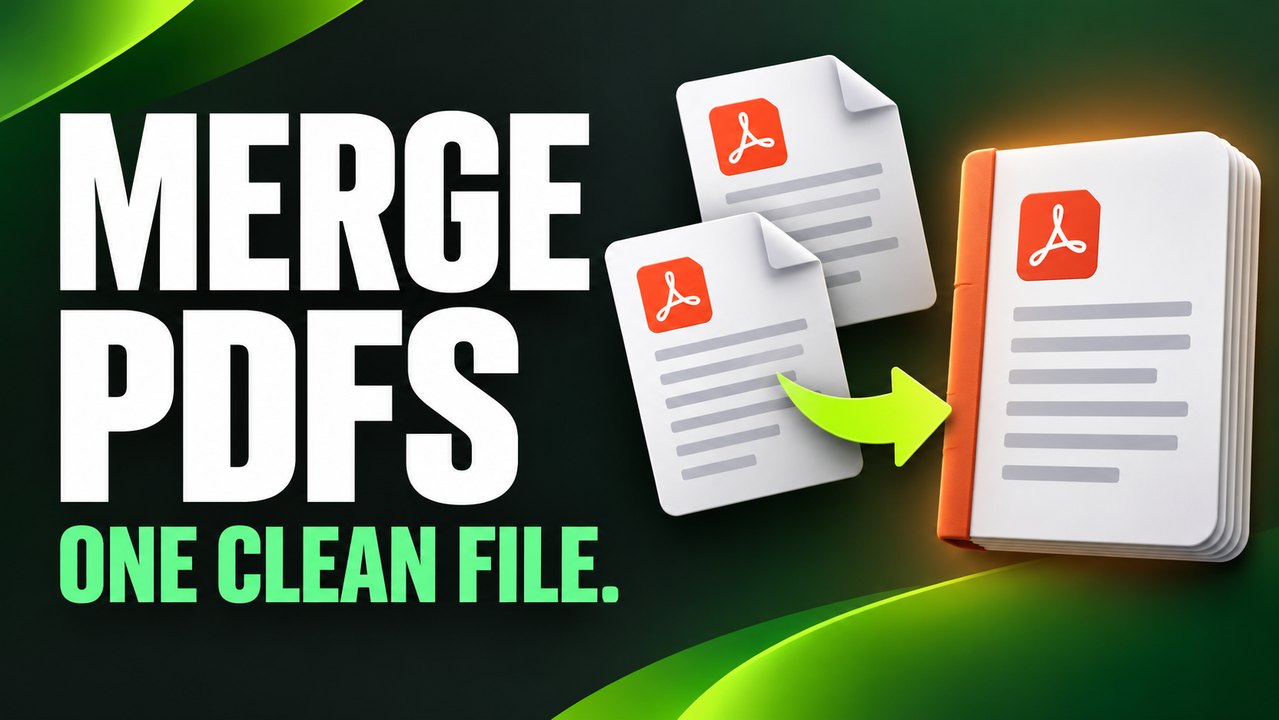
Combine PDFs in your browser, arrange files before merging and check every section of the finished document before you share it.
Read article ↗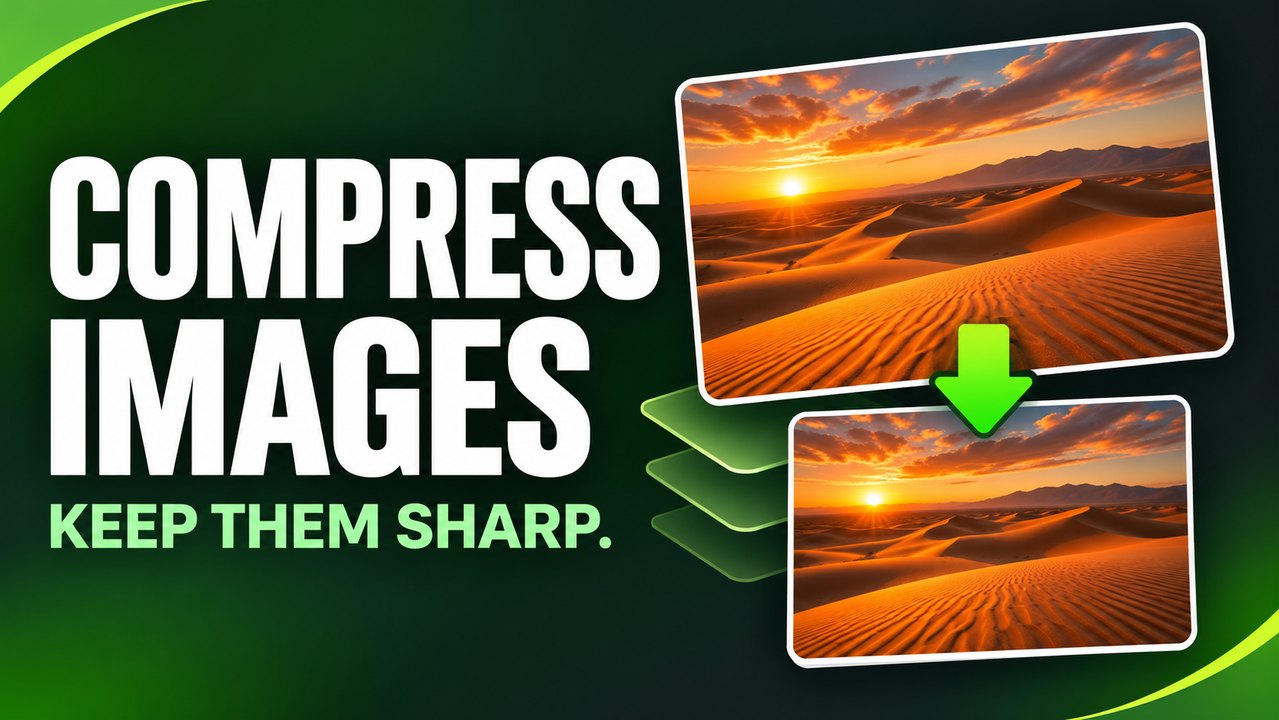
Make photos and screenshots smaller while keeping the details that matter. Use side-by-side previews, practical file-size targets and the right output format.
Read article ↗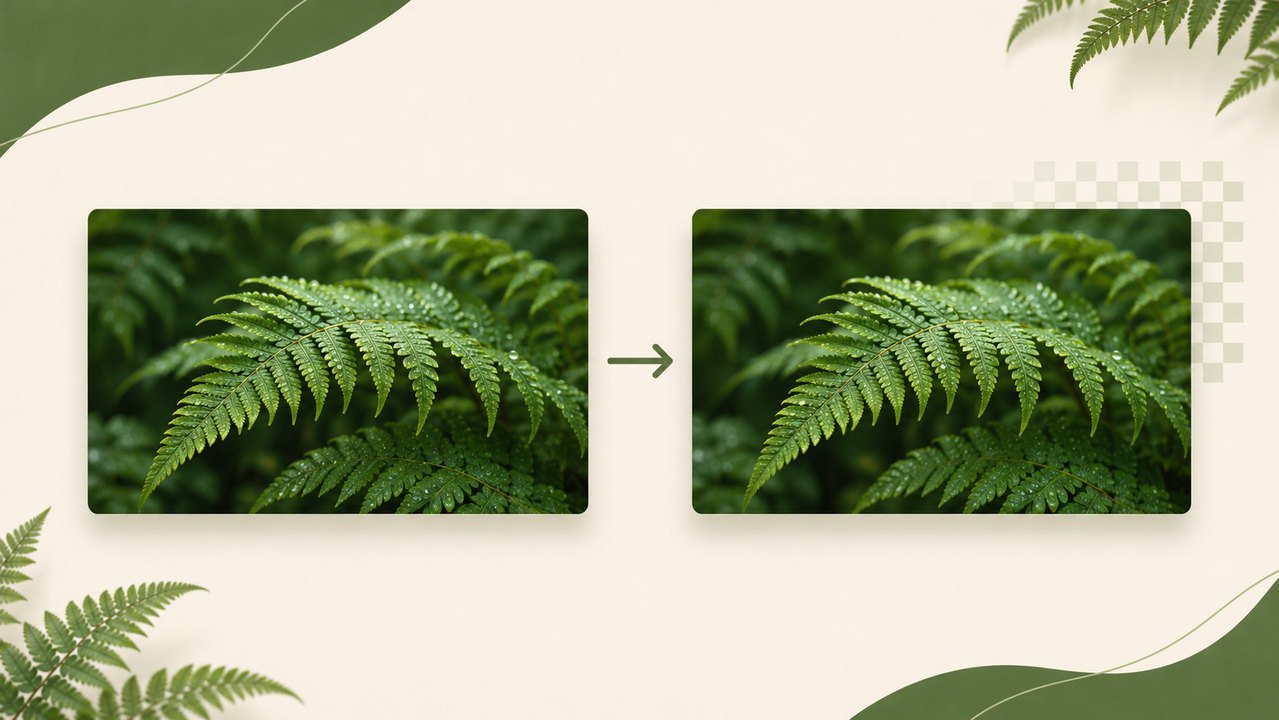
Convert a JPG to PNG at the same pixel size, then check the result for file size, colour and transparency before you use it.
Read article ↗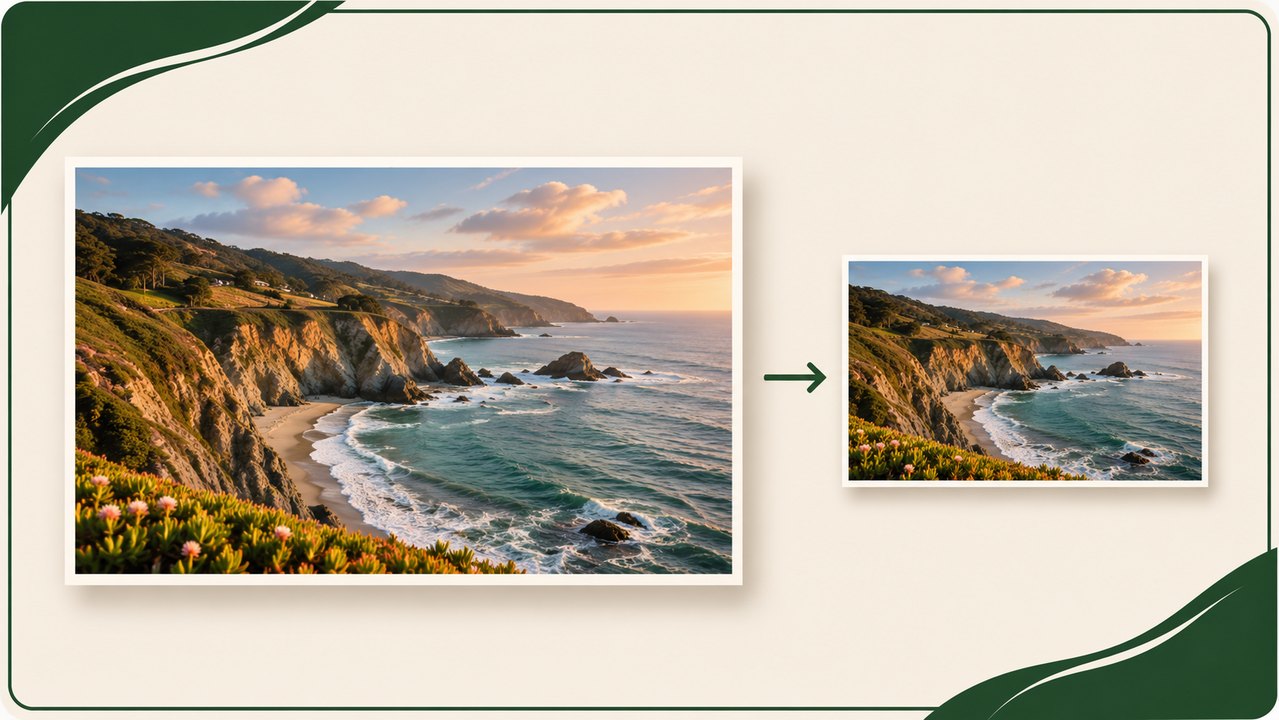
Keep the original proportions when you resize a photo, and learn when to crop or add padding for a fixed-size image.
Read article ↗